
One click from a repo to GitHub
A quick note on what’s new in FinderGit — the native macOS file browser that understands Git.

Right-click → Open on GitHub
Right-click any repository and pick Open on GitHub — it opens that repo’s page in your browser. It’s also a button on the Overview tab, so the repo’s web page is always one click away.
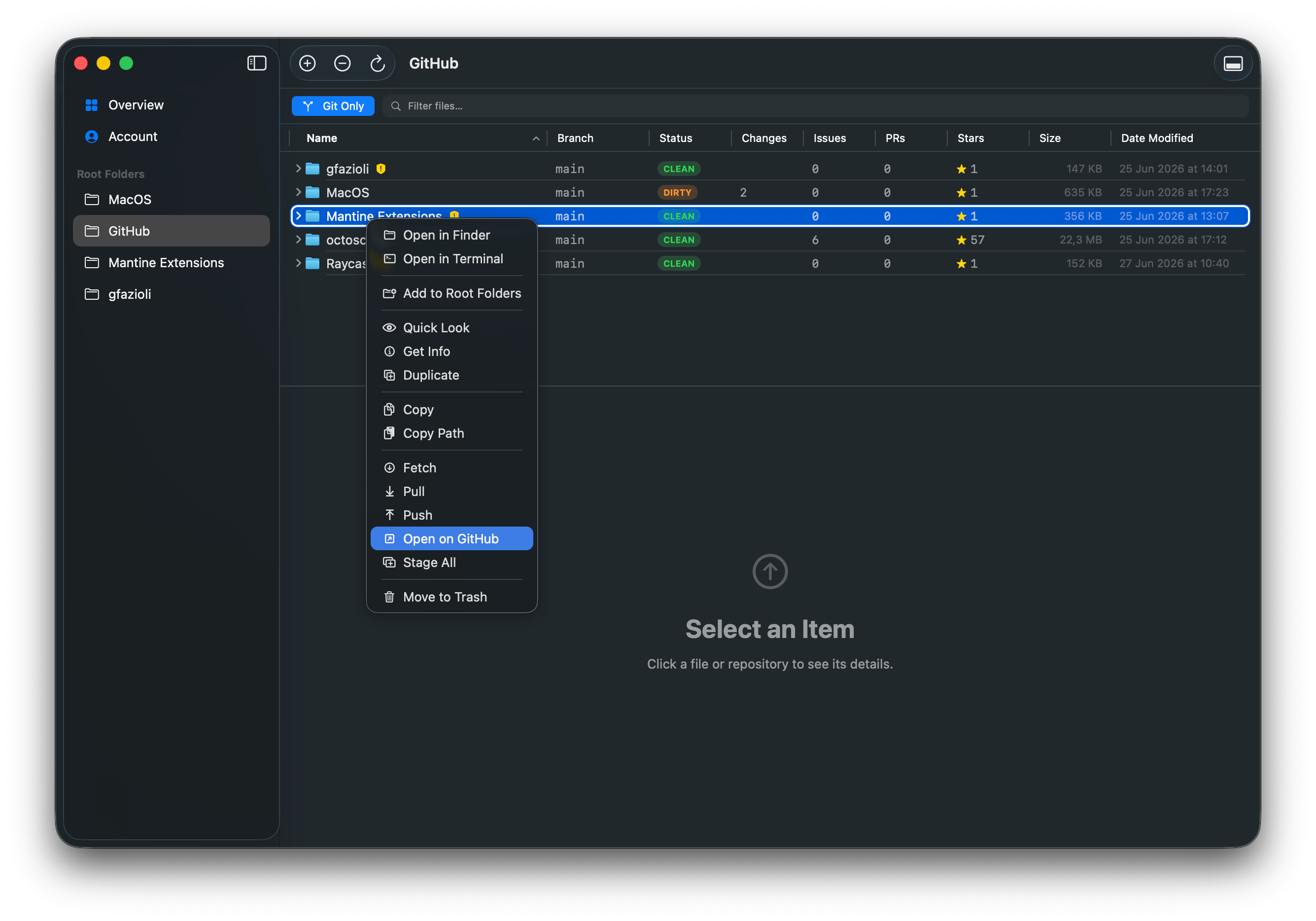
The repo context menu, with Open on GitHub
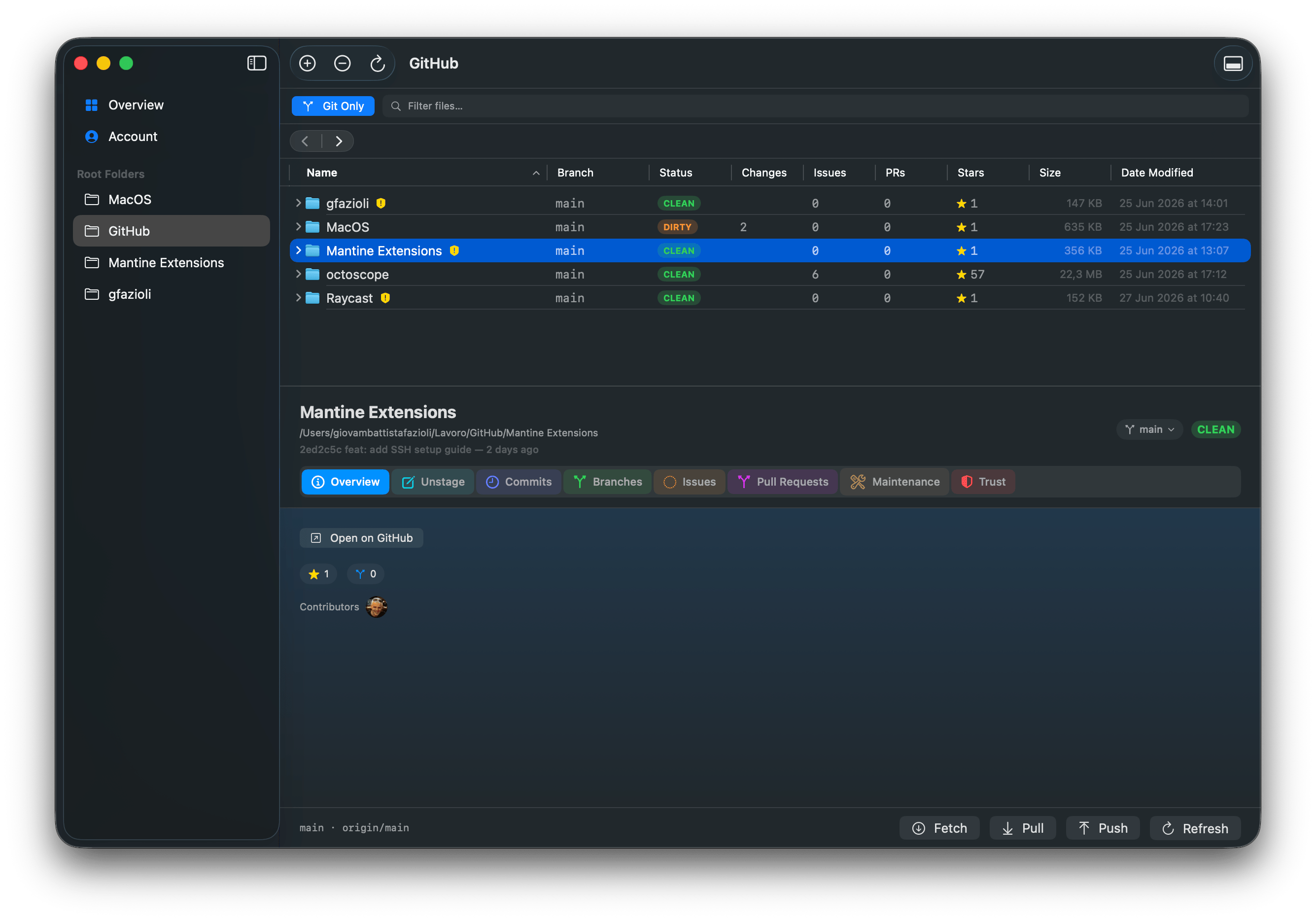
The Overview tab, with the Open on GitHub button
Issues and Pull Requests, too
The Issues and Pull Requests tabs each got their own Open on GitHub button that opens the full list online — handy when you want the filters, search, or closed items the in-app list doesn’t show. (And as before, clicking any single issue or PR jumps straight to it.)
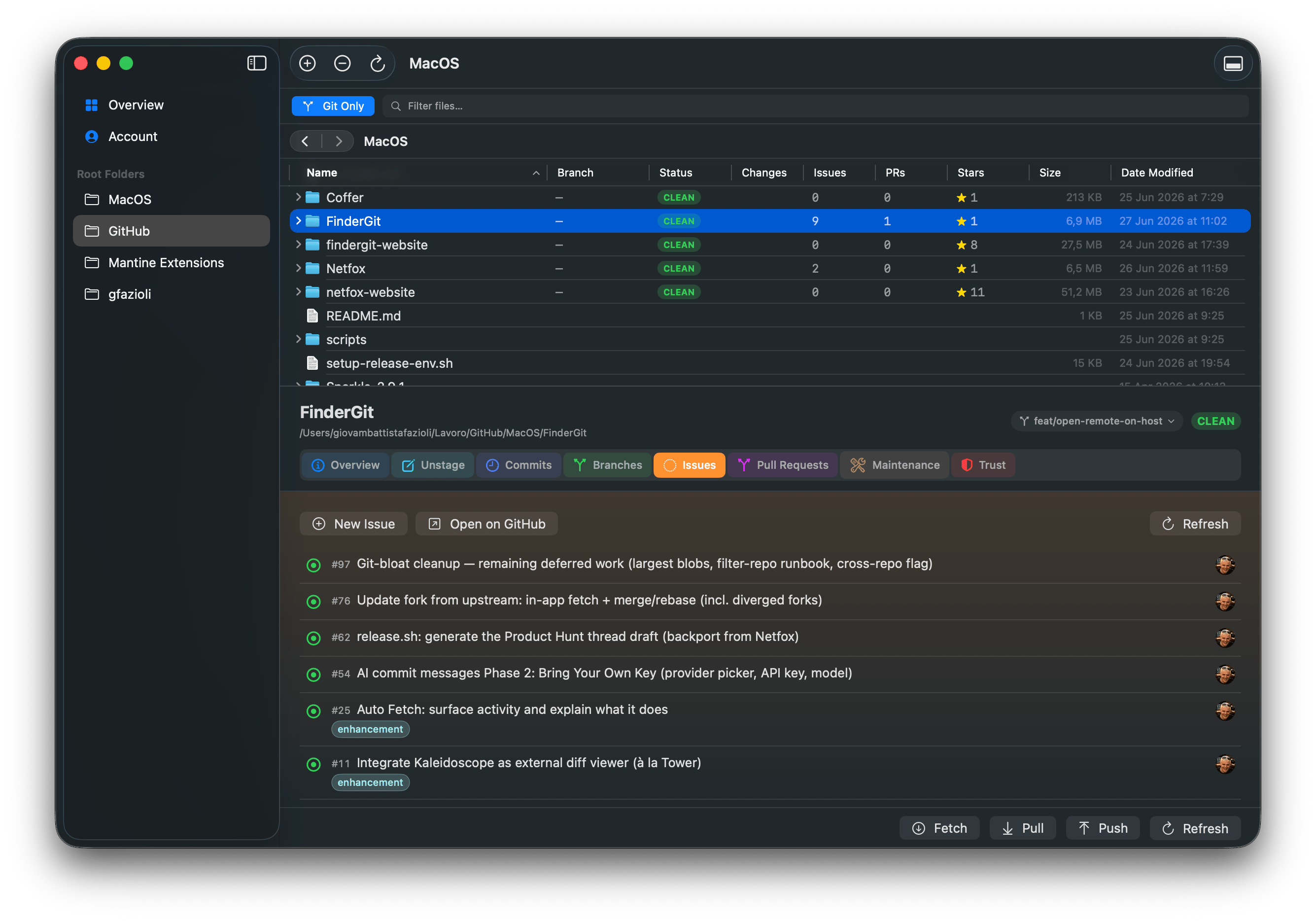
Issues tab — New Issue, Open on GitHub, Refresh
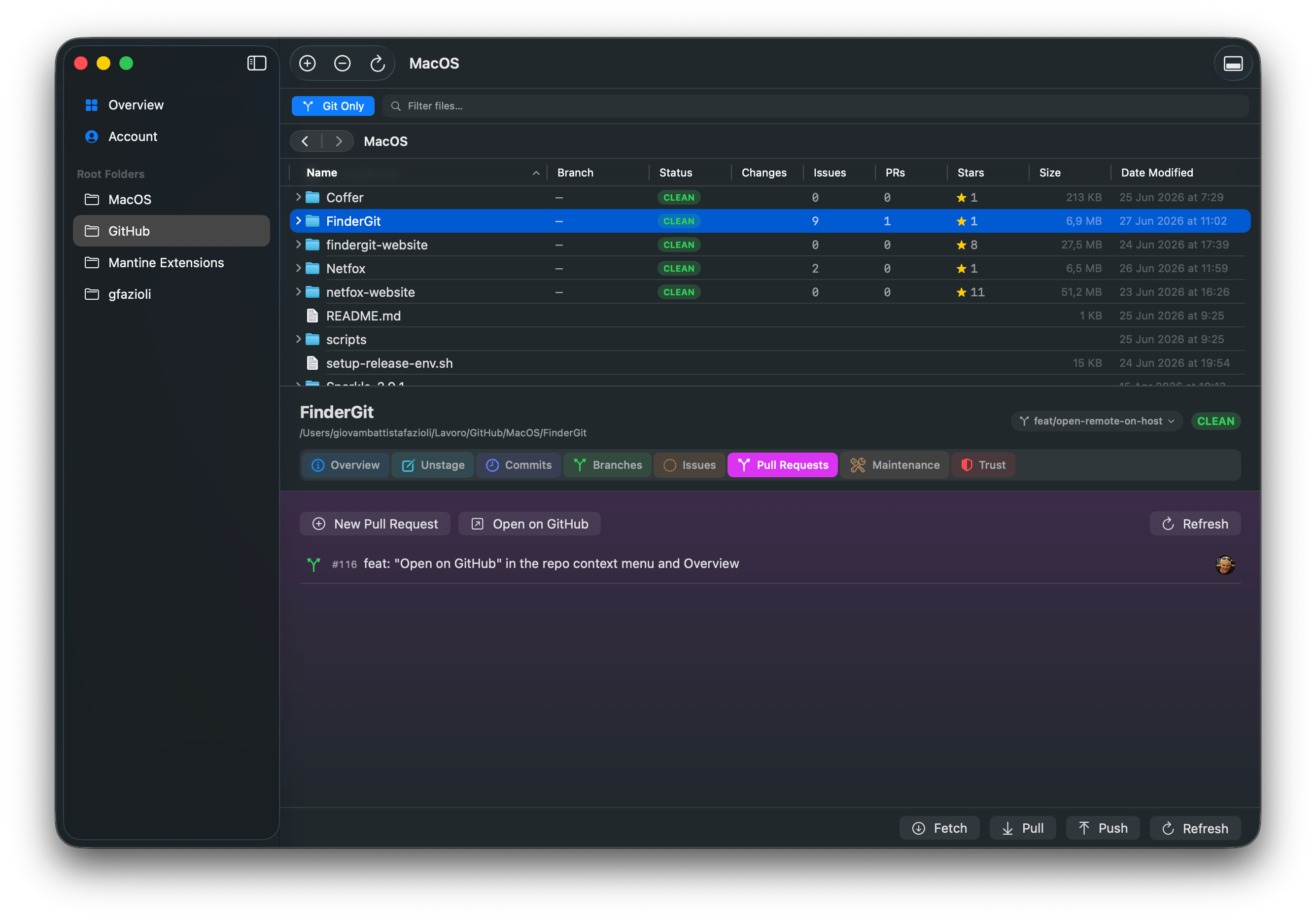
Pull Requests tab — Open on GitHub in the header
It follows your host
If a repository lives on GitLab or Bitbucket instead of GitHub, the button knows — it reads Open on GitLab / Open on Bitbucket and opens the right page. It only shows up when there’s actually a remote to open, so it never gets in the way of a local-only folder.
That’s the whole release — a little less context-switching, a little more flow. FinderGit updates itself, so it’s already on its way to you.
FinderGit is free, a universal binary (Apple Silicon + Intel), runs on macOS 15+, and is signed and notarized.
FinderGit for macOS — Website: https://findergit.app · Download: https://findergit.app/download